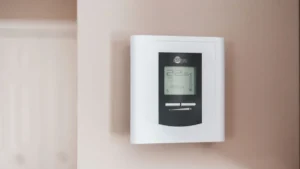
Honeywell Thermostat Wiring: Terminal and Color Code Guide
Honeywell thermostat wiring explained: what R, Rc, C, W, Y, G, O/B and AUX do, why wire colors can’t be trusted, and how to wire safely step by step.
Honeywell thermostat wiring explained: what R, Rc, C, W, Y, G, O/B and AUX do, why wire colors can’t be trusted, and how to wire safely step by step.

A blinking Cool On on a Honeywell thermostat is usually a built-in delay of up to 5 minutes. See when to wait, what to check, and when to call a pro.
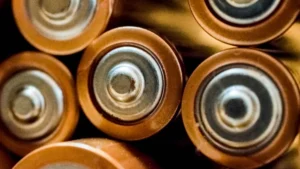
Which battery does your Honeywell thermostat take, and how do you change it? AA, AAA and lithium by model, plus steps that keep your settings safe.

Set up a Honeywell T6 Pro or T6 Pro Smart thermostat, find the key installer settings, and fix blank screens, Wait messages and alert codes.

Reset a Honeywell thermostat the right way. Factory, Wi-Fi and schedule reset steps for T9, T10, T5, T6, Lyric, 9000, FocusPRO, VisionPRO and RTH.